Your Google Business Profile for Energy Assessors
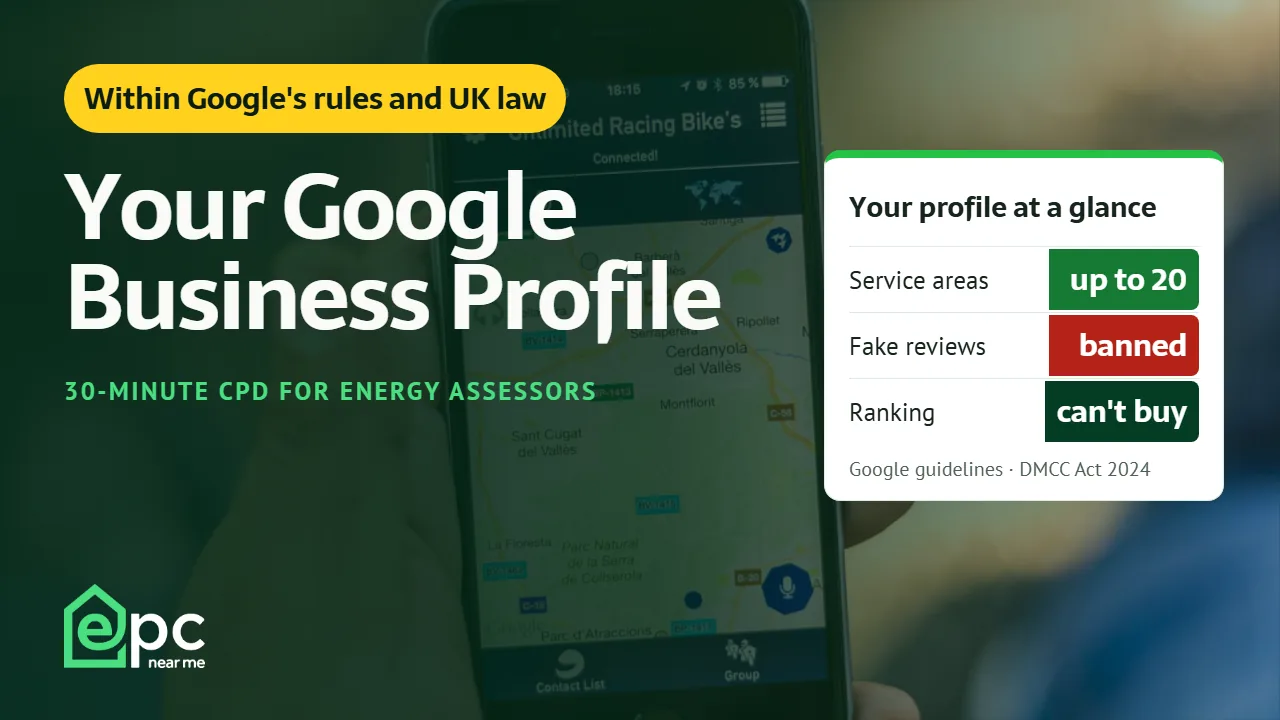
Your Google Business Profile is often a homeowner’s first sight of you. This 30-minute video session shows how to set it up within Google’s rules as a home-based assessor, verify it, build genuine reviews within Google’s policy and UK law, and keep it working without risking suspension.
£15.00
Watch online · EPC Near Me CPD certificate when you pass the quiz · Free member account required
Already bought it, or a paid member? Sign in to watch the whole session.
You’re signed in, but this course isn’t in your account yet. Paid plans unlock our CPD courses one at a time; check your account to see when it opens for you, or buy it now.
✓ You have this course
Watch now- Buy the course, or sign in if your plan includes it
- Watch the whole video (you can rewind, but not skip ahead)
- Pass a six-question quiz (5 of 6 correct)
- Pass, and we email your 30-minute CPD certificate
Free preview: the first 3 minutes
No sign-up neededThe preview doesn’t count towards your CPD. To watch the whole session and take the quiz, buy the course for £15, or sign in if you’ve bought it or your paid plan includes it.
Your Google Business Profile for Energy Assessors
Watching asQuiz: pass to get your CPD certificate
You need to pass this quiz to get your 30-minute CPD certificate: at least 5 of 6 correct. Watching the video on its own doesn’t earn the credit. If you don’t pass first time, we’ll show you which questions to look at again and you can have another go.
 ✓ You’ve completed it
Congratulations, you’ve passed!
- CPD time
- 30 minutes
- Quiz score
- Reference
You can watch the session again above whenever you like. Go to your account or browse more CPD.
What you’ll learn
- Set up a profile correctly for a home-based, service-area business
- Verify it, and know what to show on camera
- Ask for reviews within Google’s rules and UK law, and reply to them well
- Keep the profile accurate and useful with photos, posts and its performance figures
- Avoid the mistakes that get profiles suspended
About this course
Most assessors work from home and travel to customers, which makes them what Google calls a service-area business. That brings its own rules: the address has to be hidden, the name has to be your real trading name, and there should be one profile, not one for every town.
This session works through Google’s published guidelines: service areas, business names, categories and verification, including what to show in a verification video. It then covers reviews in detail: Google’s policy, the UK ban on fake reviews that came in on 6 April 2025, the CMA’s guidance on what is and isn’t allowed, and how to reply to a difficult review.
It ends with keeping the profile useful with photos, posts and the performance figures, what Google says decides local results, the common causes of suspension, and a ten-minute monthly routine. EPC Near Me has no connection with Google.
What’s in the session
- 0:00 Introduction: why your profile matters
- 1:48 Setting it up right: service areas, hiding your address, your business name, categories and the details
- 8:04 Verification: the methods, and what to show and hide in a verification video
- 9:57 Reviews: asking every customer, Google’s rules, UK law since April 2025, replying and reporting
- 16:26 Keeping it working: photos, posts, performance figures, retired features and how local ranking works
- 20:38 Staying safe: common causes of suspension, appeals, a monthly routine, reflection and recap
Captions are available in the player. The session reflects the position at 13 November 2026; Google changes its features often, so check Google’s help pages for changes. General information only, not advice.
Your CPD certificate
The certificate is earned by passing the quiz. When you’ve watched the whole session and passed it (at least 5 of 6 correct), we email you an EPC Near Me certificate of completion for 30 minutes of CPD, with your name, the date, your score and a reference number, plus the learning outcomes and reflection questions for your CPD log.
Your certificate also has its own page that anyone can check, and one click adds it to the Licences & certifications section of your LinkedIn profile with the details filled in, or shares it with your network.
Employers, clients and accreditation schemes can check any EPC Near Me CPD certificate at epc-nearme.co.uk/cpd/verify, using the reference and verification code printed on it. This session is an EPC Near Me CPD session; it isn’t listed on The CPD Register.